Quality and Safety, Connected End to End
From field capture and controlled workflows to live analytics, reports and audit-ready records.
From setup to visibility in four steps.
Project Setup
Create projects, add users and assign roles, and set up the checklists your teams will use.
Inspections & Site Activities
Teams record inspections, observations and evidence from site on a phone or tablet.
Review & Follow-up
Findings go to the right people for review, rectification and verification.
Reporting & Visibility
Managers see project status and generate reports from the same records.
A simplified view. Each organisation configures its own roles, checklists and approval steps, so real workflows differ by project.
The capabilities your teams use every day, in one platform.
Configurable checklists & workflows
Set up checklists and review steps to match how your organisation works.
Role-based access
Each user sees the projects and actions that match their role.
Inspection & observation tracking
Follow each finding from raised to closed, with an owner at every step.
Quality & safety reporting
Generate project reports from live records instead of retyping them.
Mobile application access
Site teams work from a phone or tablet, where the work happens.
Offline work
Continue working without a signal, then sync when you reconnect.
Photo & evidence capture
Attach photos to findings so the evidence stays with the record.
AI-assisted set-up
Describe your project or problem and AI drafts the project set-up, checklists and workflow for you to review.
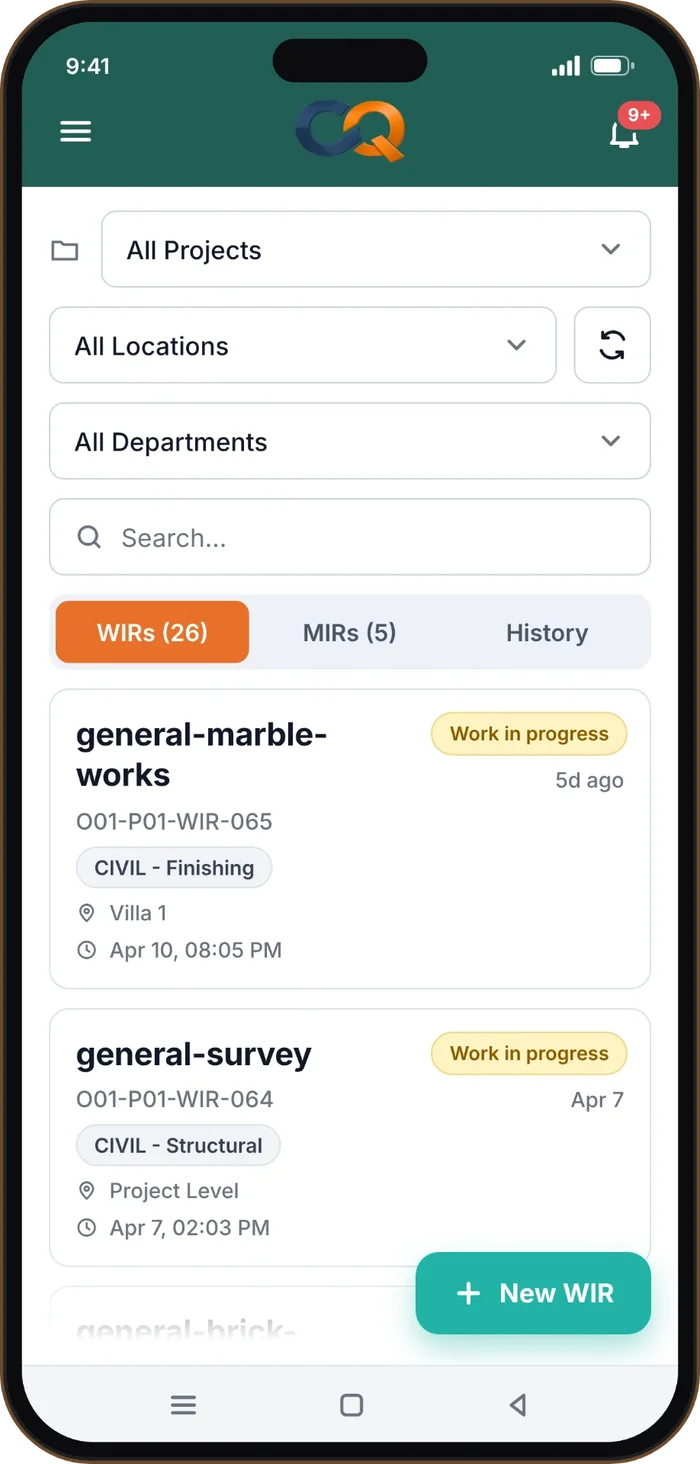
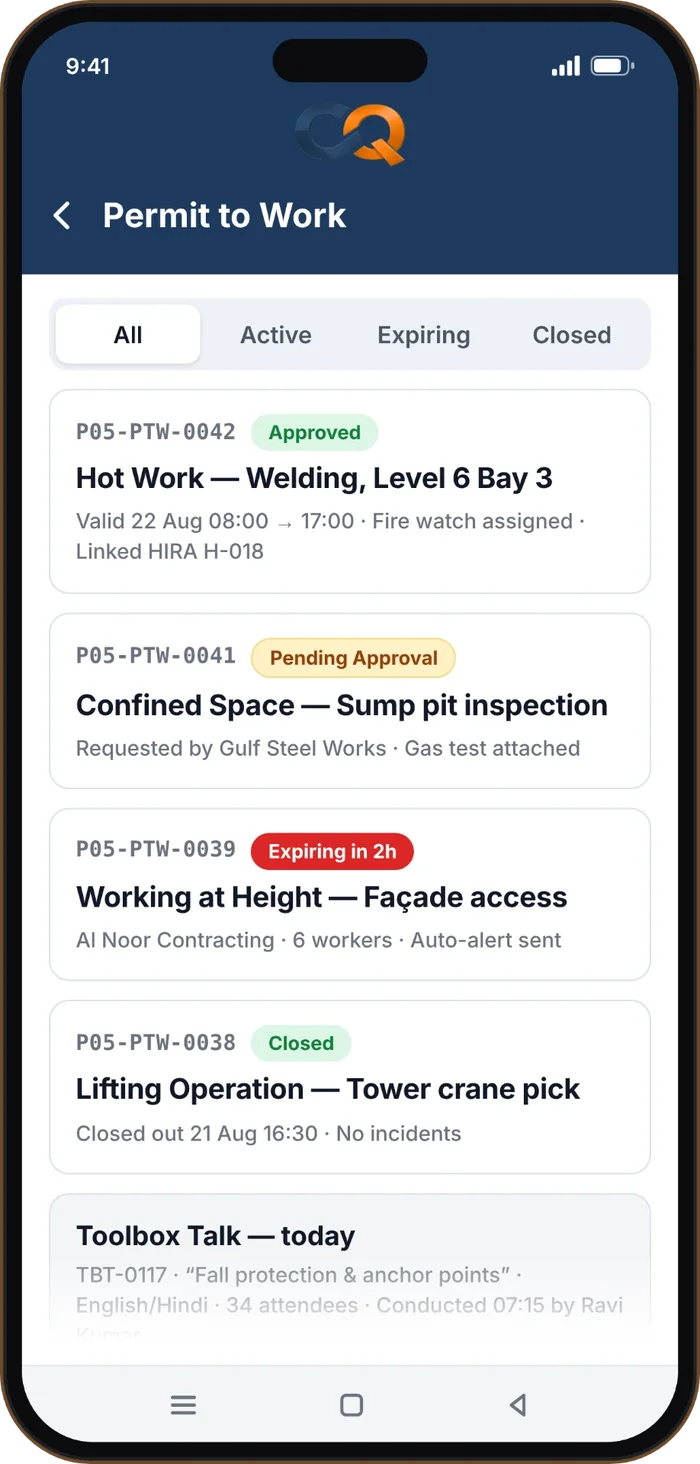
Take quality and safety to where the work is.
- Checklists on your phoneComplete inspections on site instead of on paper.
- Evidence at the sourceAttach photos to findings as you find them.
- Work with weak signalOffline work is supported, with data syncing when you are back online.
- Site reportingUpdates flow straight into project reports.
Can CONQUAL be customised for our organisation?
Can different user roles have different access?
Can teams use CONQUAL on mobile devices?
Is offline work supported?
Can project reports be generated?
Can we request a product demonstration?
See CONQUAL on your kind of project.
Tell us a little about your company and projects. We will show you how the platform fits your teams.
- A walk-through of Quality, Safety, Audit and Design modules.
- Questions about roles, checklists and reports answered live.
Let’s find the right fit.
Share your company, your project types and what you want to improve. We will reply to arrange your demo.
Request a Demo